A light behind the screen changes the surrounding wall as much as the screen itself. Aim for a deliberate, even-looking backdrop and keep bright sources and cables out of sight.
Living and dining inspiration
Consider the detail. See the wider room.
Explore related lighting ideas within a living space. These concepts illustrate design possibilities rather than a specified product, verified installation or exact colour output.
Lighting conceptDepth around the screenKeep the screen, shelves and service access part of one considered scheme.Lighting conceptA room with different layersLet the lighting around seating, storage and the table have distinct roles.
Bring the idea back to your own surfaces, dimensions and preferred lighting mood.
Plan the light position, mounting and complete system around the way the room is used.
Use the screen and wall as your starting point
Measure the screen and the available rear mounting area, then note the distance to the wall. A close wall-mounted screen will give a different spread from one on a stand. Check the TV manufacturer’s instructions before attaching anything to the casing.
Respect vents, brackets and movement
Keep strips and cables clear of ventilation openings, ports and mounting hardware. Allow for the full movement of an adjustable bracket without stretching connections. Do not trap a driver behind a screen unless its access, clearance and ventilation requirements can be met.
Choose the glow and the controls separately
Fixed white, adjustable white and RGBW create different effects. Decide whether the backlight should dim independently of other room features. The products below do not imply picture-reactive effects or automatic synchronisation with your television.
Choose the mood
One space. Different ways to light it.
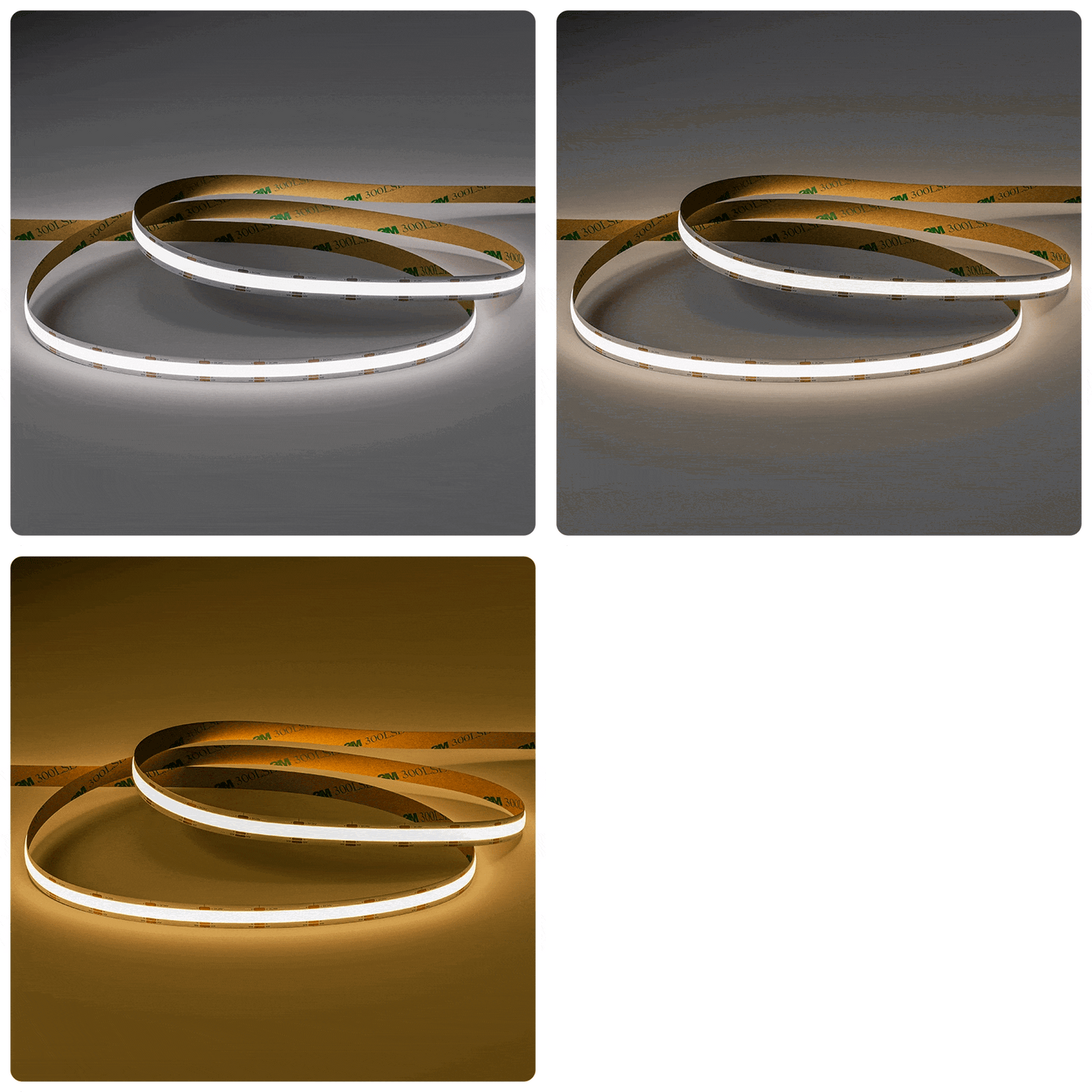
Choose the lighting effect first, then check the strip, controls and installation together. These swatches explain the choices; they are not photographs of a product’s light output.
WW
Warm white
A softer white-light mood. Compare a sample with the materials and other lighting in your room.
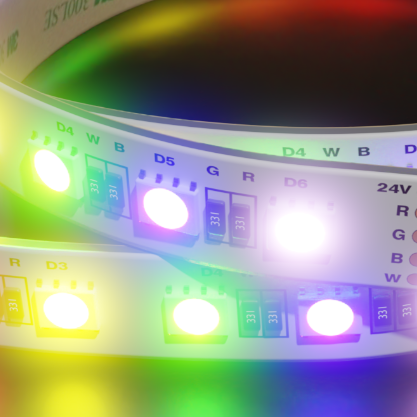
What about RGBW? RGBW combines colour with a separate white channel. The white tone and control options depend on the product. Compare RGB and RGBW strip options and check the complete system.
Swatches are illustrative, not exact colour temperatures. Screens, surfaces and installation details change how light appears. Colour availability and suitability vary by selected product.
Explore the products
Find the parts for your lighting detail.
These products offer starting points for suitable dry indoor details. Compare their current specifications with the location, mounting, controls and complete installation.
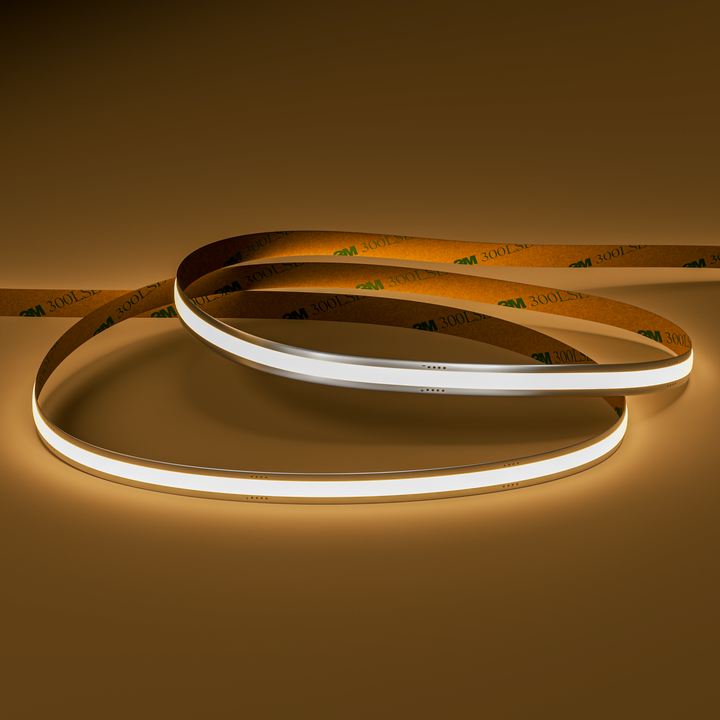
Seamless8 Warm White | 9W | 24v
A simple fixed warm-white halo for an evening setting.Check the television’s mounting guidance and use a separate correctly specified supply.
Adjustable white to tune the appearance of the wall behind the screen.Requires compatible CCT controls; this is not a claim of reference-display calibration.
A colour-plus-white option for a more expressive backdrop.Needs a compatible RGBW controller; screen synchronisation is not included or implied. Requires an aluminium mounting profile and soldered connections.
These are individual products, not a complete lighting kit or a checked bill of materials. Confirm strip, profile, power, controls, connections and installation requirements together. Product imagery does not identify the products used in the lighting concepts.
Will these strips follow the colours on my television?
The strip products shown do not by themselves provide screen-synchronised lighting. They use an appropriate compatible controller; any screen-reactive system would need its own separately verified specification.
Can I power the strip from the television’s USB socket?
Do not assume so. The listed strips use their specified supply voltage and need a suitable power supply. Check the exact product requirements rather than connecting them to a convenient socket.
Should the strip go around all four sides?
That depends on the rear mounting area, bracket and the effect on the wall. Measure each usable run and plan corners and cable exits without covering vents or forcing tight bends.
Can I use the same idea behind a computer monitor?
Yes, as a lighting design concept, subject to the monitor manufacturer’s mounting guidance and clearances. Check reflections, rear controls, ventilation and movement of the stand or arm before fitting anything.