A media wall should look resolved with the television both on and off. Choose the architectural details you want to emphasise, then keep the screen, sound equipment and service access central to the plan.
Build your media wall lighting kit
Choose your lighting and configure your kit below.
Step 1: What Lighting Effect Are You Aiming For?
Select the light colour temperature or colour-changing option that best suits your media wall ambience. Options include Warm White, Natural White, Cool White, Tunable White (CCT), and RGB/RGBW.
Warm White
Natural White
Cool White
Tunable White (CCT)
RGB / RGBW
Step 2: Pick Your LED Strip Option
Select the LED strip type that suits your needs, based on durability, brightness or pricing preferences.
Step 3: How Many LED Strip Sections Do You Require?
Decide how many individual LED strip sections you need for your media wall.
Step 3: Configure Your LED Strip Sections
Decide how many individual LED strip sections you need for your media wall.
Step 4: Configure Your LED Strip Sections
Customise each section by assigning a unique name and specifying the length in millimetres to match your media wall design.
Please enter valid names and lengths for all sections.
Step 5: Select Cable Length(s) & Soldering
Choose the cable length for each section and tell us whether you want us to solder the cable to the strip before delivery.
Step 5: Cable Lengths & Soldering Preference
Choose cable length per section, then select if you want us to add a solder service for each strip, or choose a solder-free pre-made pack.
Please select a soldering preference to continue.
Step 7: Select Mounting Profile for Each Section
Pick a mounting profile (e.g., recessed or surface-mounted) for each individual LED strip section. You may also choose No LED Profile.
Please select a profile (or No LED Profile) for every section to continue.
Step 8: Select Power Supply Unit Configuration
Dimming option (single-colour only):
When using a dimmable PSU you can dim from a wall dimmer. The Smart Interface and RF remote in Step 9 are optional and not required for dimming.
Step 9: Choose Interface and Controls
Select your preferred control method. The smart interface connects your lights to a smart device via the Tuya Smart Life app, and can be used alongside a physical controller for both smart device and manual lighting management. If you selected a white LED strip, this step is optional. If you selected a colour-changing option (RGB / RGBW / CCT), the smart interface must be included within your setup.
Step 10: Review Your Media Wall Kit
Congratulations—you’ve built your media wall lighting kit! Review the itemised list below.
Enter your email address to view pricing and checkout:
Living and dining inspiration
Consider the detail. See the wider room.
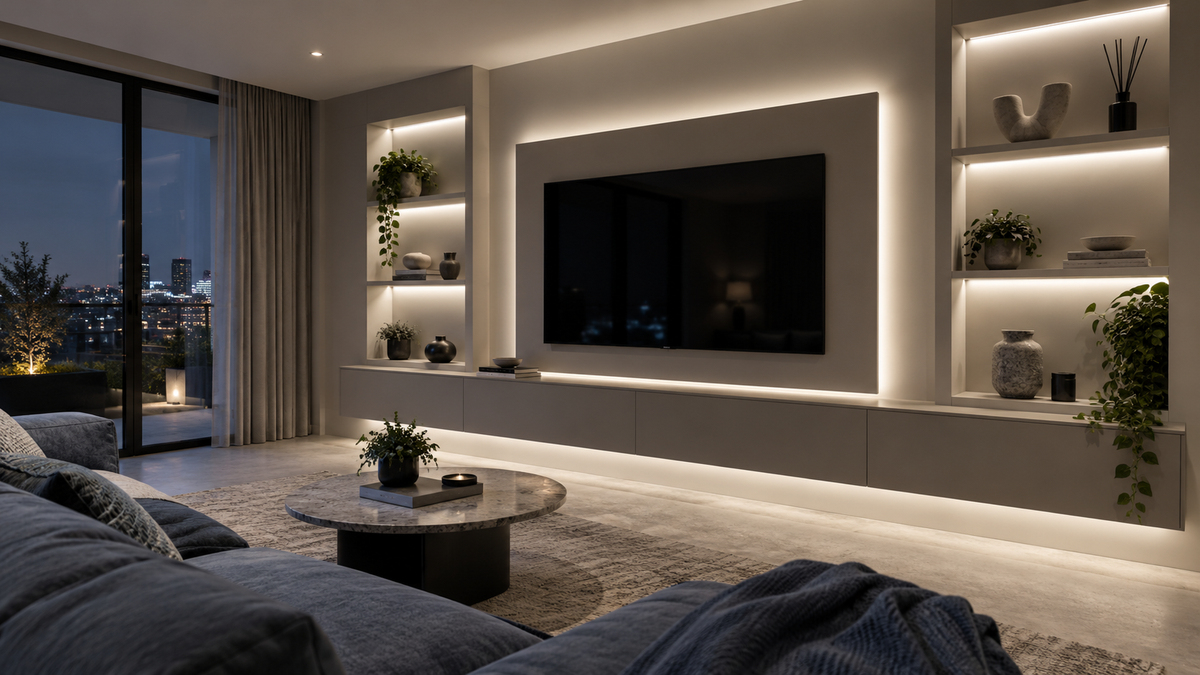
Explore related lighting ideas within a living space. These concepts illustrate design possibilities rather than a specified product, verified installation or exact colour output.
Lighting conceptA backdrop to the screenConsider the wall glow alongside the view from the main seats.Lighting conceptA rhythm of lightCheck panel spacing and permitted mounting before specifying the assembly.
Bring the idea back to your own surfaces, dimensions and preferred lighting mood.
Plan the light position, mounting and complete system around the way the room is used.
Choose the hero detail
A lit shelf, a concealed perimeter or an illuminated side recess can add depth without competing with the screen. Avoid treating every joinery edge as a lighting opportunity. Sample the wall finish and diffuser at the actual recess depth.
Keep glare away from the viewing position
Check reflections from every main seat, particularly on glossy screens and glazed display doors. Shield the source and keep the lighting near the screen independently dimmable. A brighter display shelf can be useful while entertaining and distracting while watching.
Plan the services before closing the wall
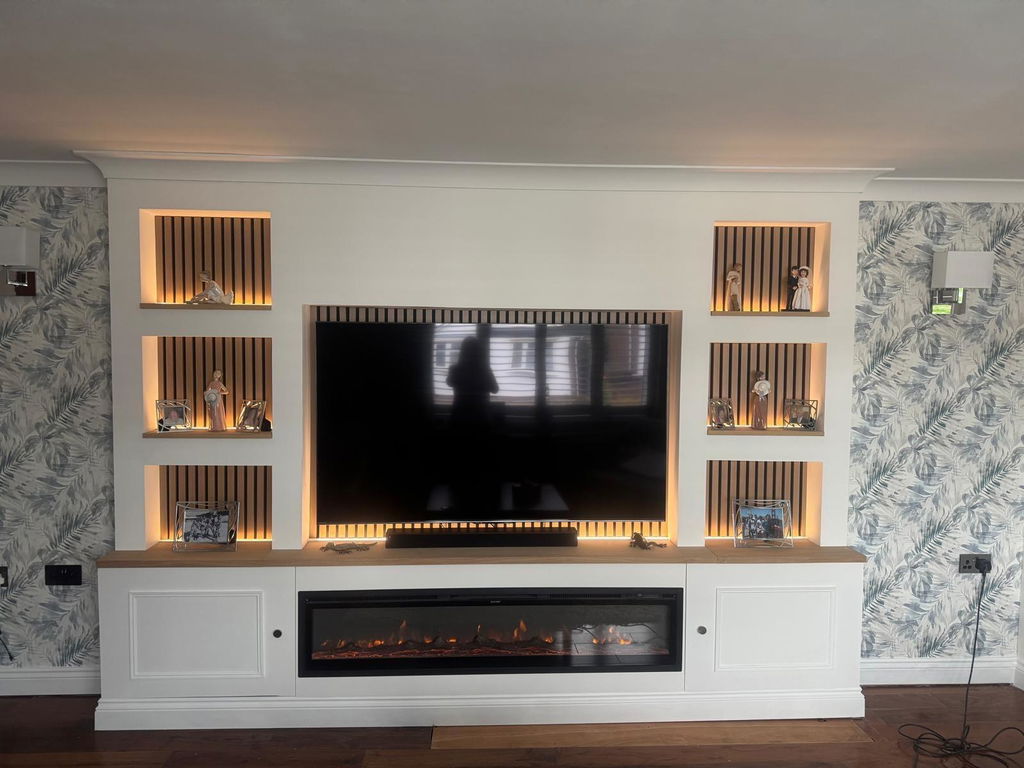
Mark drivers, controllers, ventilation, access panels and the cable routes for both lighting and AV equipment. Do not bury serviceable components behind finished boards. If the wall includes a fireplace, have its manufacturer and qualified installer verify heat exposure and clearances for the whole arrangement.
Choose the mood
One space. Different ways to light it.
Choose the lighting effect first, then check the strip, controls and installation together. These swatches explain the choices; they are not photographs of a product’s light output.
WW
Warm white
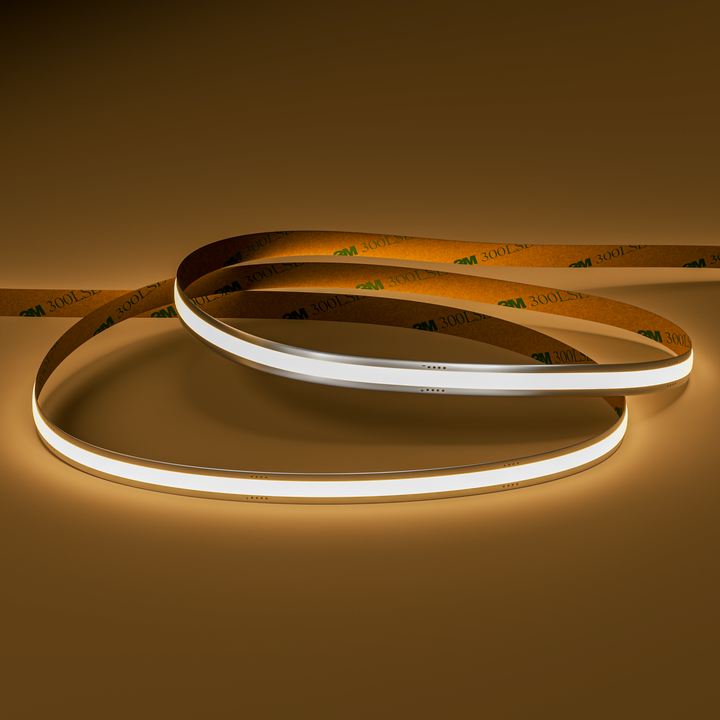
A softer white-light mood. Compare a sample with the materials and other lighting in your room.
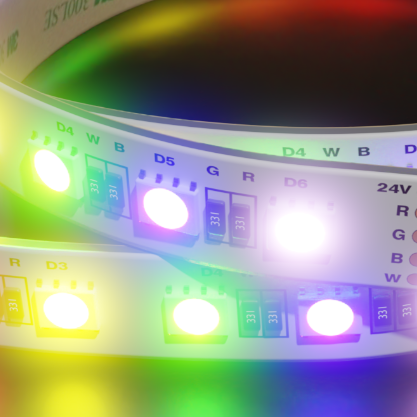
What about RGBW? RGBW combines colour with a separate white channel. The white tone and control options depend on the product. Compare RGB and RGBW strip options and check the complete system.
Swatches are illustrative, not exact colour temperatures. Screens, surfaces and installation details change how light appears. Colour availability and suitability vary by selected product.
LEDSpace customers · Judge.me
See why customers choose LEDSpace.
Selected customer feedback on our products and project support, collected by Judge.me.
These products offer starting points for suitable dry indoor details. Compare their current specifications with the location, mounting, controls and complete installation.
Seamless8 Warm White | 9W | 24v
A restrained warm-white choice for dry display and recess accents.Check the recess detail, reflections and any heat exposure.
Colour plus warm white for a media wall with varied evening scenes.Use a compatible RGBW controller and specify diffusion and power for the measured runs. Requires an aluminium mounting profile and soldered connections.
These are individual products, not a complete lighting kit or a checked bill of materials. Confirm strip, profile, power, controls, connections and installation requirements together. Product imagery does not identify the products used in the lighting concepts.
Base the zones on use. Lighting close to the screen, display shelves and wider room accents may need different settings. Tell us which elements you want to dim or switch together.
Can I light a media wall with an electric fire?
Only with the appliance clearances and lighting component limits checked for the specific design. An electric appliance can still create heat exposure, so do not assume a surrounding recess is automatically suitable.
Where should the drivers and controllers go?
Use accessible locations that satisfy their mounting and ventilation instructions. Coordinate them with the AV equipment so future service does not require damaging the finished wall.
Can one strip show several moving colours at once?
Standard RGB or RGBW strip controlled as one zone shows a shared colour across that zone. Moving multi-colour effects need a separately specified addressable system; they are not implied by the products below.