Gaming LED lighting starts with the effect you want to see from your chair. A glowing desk background, a fine edge detail and a lit display shelf each call for different positioning. Choose your colour capability first, then plan the strip, profile, controls and supply together.
Office, gaming and screen inspiration
Consider the detail. See the wider space.
Explore related lighting ideas for the way the space is used. These concepts illustrate design possibilities, not a specified product, verified installation or exact colour output.
Lighting conceptA workspace with layersSeparate the useful task light from the decorative background.Lighting conceptLight behind a screenConsider a reflected backdrop separately from task lighting or screen-synchronised effects.
Bring the idea back to your own surfaces, dimensions and preferred lighting mood.
Plan the lighting position, mounting and complete system around the actual space and the way it is used.
Light the wall or show the line
A concealed rear run creates a reflected glow, while a visible edge needs a housing and diffuser detail you are happy to see. Test the setup with a dark screen to spot distracting reflections. Leave monitor arms, drawers, air vents and cable trays clear, and avoid fitting strip to equipment surfaces without permission.
Choose colour features deliberately
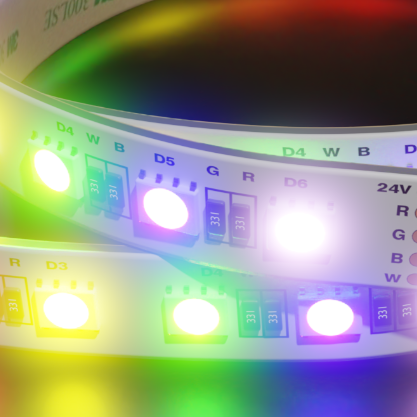
RGB gives you colour scenes; RGBW adds a dedicated white-light channel. Adjustable white changes the appearance of white light instead. These options use different control arrangements, so start with the features you want. Screen matching, music response and app control require specifically compatible equipment and should not be assumed from the strip alone.
Measure around the real desk layout
Record the lit lengths, corners, wall gap and cable route to the supply. Include the desk movement if it adjusts in height. For a quote, send a setup photo and note which zones should work together. Keep connections reachable so you can move the desk or change your monitor arrangement later.
Choose the mood
One space. Different ways to light it.
Choose the lighting effect first, then check the strip, controls and installation together. These swatches explain the choices; they are not photographs of a product’s light output.
WW
Warm white
A softer white-light mood. Compare a sample with the materials and other lighting in your room.
What about RGBW? RGBW combines colour with a separate white channel. The white tone and control options depend on the product. Compare RGB and RGBW strip options and check the complete system.
Swatches are illustrative, not exact colour temperatures. Screens, surfaces and installation details change how light appears. Colour availability and suitability vary by selected product.
Explore the products
Find the parts for your lighting detail.
These products offer starting points for dry indoor decorative lighting. Task-lighting levels, screen synchronisation and other control features need their own verified specification.
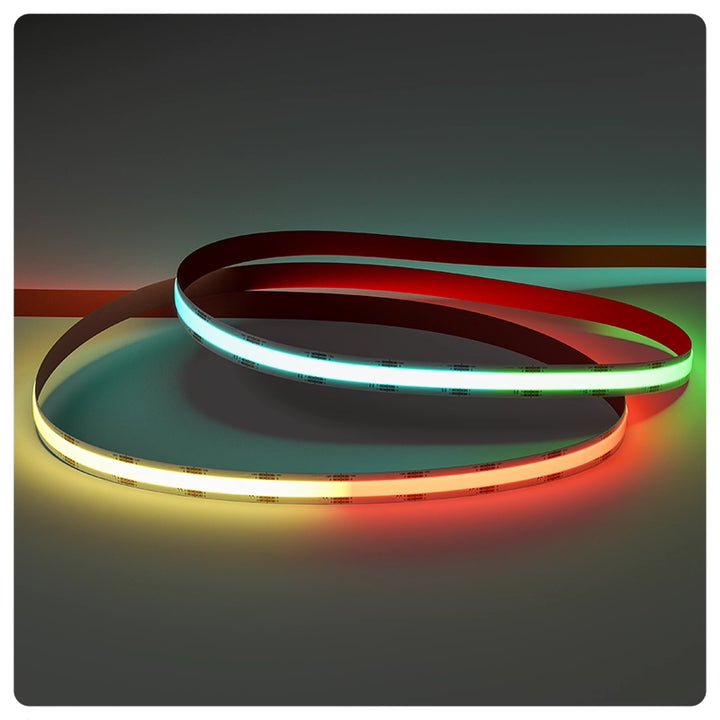
Seamless Colour RGB | 24v | 15W
A continuous-looking colour strip for concealed desk backgrounds and room features.Requires compatible RGB controls and a 24V supply; screen synchronisation is a separate system requirement.
RGB plus a dedicated warm-white channel for a desk or room with both colour and white scenes.Needs an aluminium mounting profile, soldered connections, suitable RGBW controls and a correctly sized 24V supply.
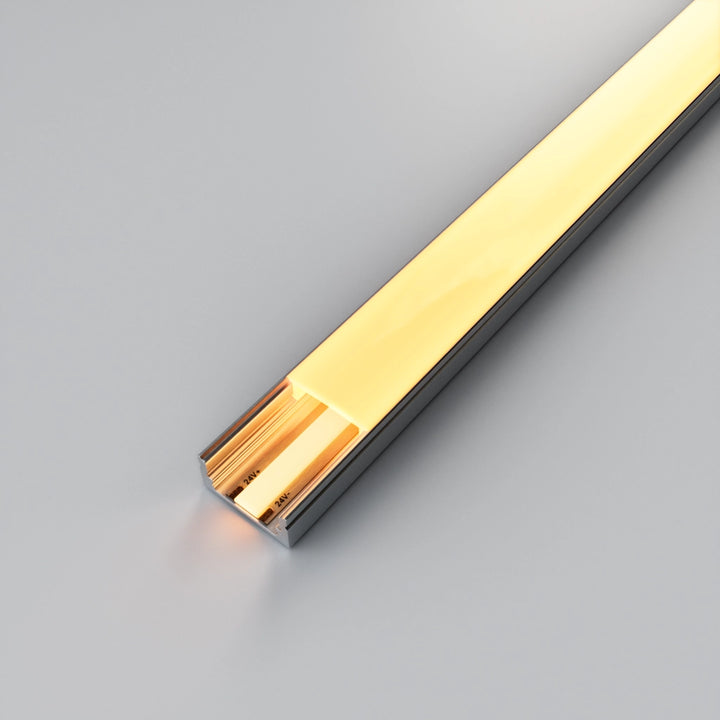
A surface-mounted housing for a defined desk-edge or shelf detail.Confirm strip and connector clearance; check diffuser appearance with the selected strip before committing to a visible line.
These are individual products, not a complete lighting kit or a checked bill of materials. Confirm strip, profile, power, controls, connections and installation requirements together. Product imagery does not identify the products used in the lighting concepts.
Choose RGB for coloured light. Consider RGBW if you also want a dedicated white channel. Check the matching controller, cable requirements and physical strip width before ordering.
Can I power these strips from a computer USB port?
The featured strip options require a suitable 24V supply. Do not connect them directly to a computer USB port; specify the correct power arrangement for the selected product.
How do I avoid seeing LED reflections in my monitor?
Trial the strip behind the desk or other concealed detail, then inspect the screen from your seated position. The wall gap, monitor angle and room surfaces all influence reflections.
Can I use the same lighting behind the desk and on shelves?
Yes, subject to a suitable system design. Measure the sections separately and decide whether they should share controls or behave as independent zones.